
Medical Dashboards We Recommend
A medical dashboard can mean a patient chart, a view across hospitals, a live feed of instrument data, or a staff worklist. I would choose the starting point by the work its users need to do. The nine projects below fall into three groups, each answering a different kind of request.
Medical workflows
These three projects put people closer to the work behind the dashboard. OpenEMR is a clinic system, DHIS2 handles health-program reporting across locations, and Appsmith helps a team build a focused internal worklist. I would look here when a dashboard needs to lead into a record, a reporting unit or a staff action.
I would show OpenEMR to a clinic owner who wants to examine patient charts alongside appointments, billing and reports. It shows how clinical and administrative work meet during a normal day. For a product team, the useful lesson is the path from a summary to the patient or task that needs attention.
DHIS2 analytics makes more sense when the question spans facilities or districts. Its indicators can be viewed by reporting period and organizational unit, then examined through charts and maps. I would choose it for a health network that needs to understand where a program’s results differ and narrow that comparison before interpreting it.
Appsmith fits a smaller operational gap. Its tables, forms and actions can connect a queue to a decision, such as opening an item, recording a review and moving it forward. I would consider it when staff need one focused tool around a database or API. The team still defines who may see each record and which actions change its status.
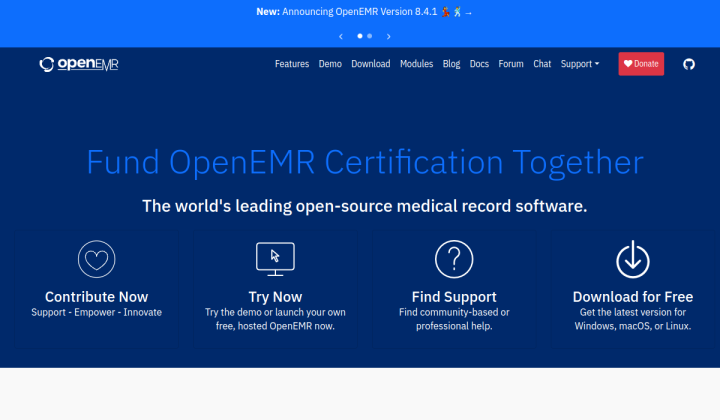 OpenEMR An open-source electronic health record and practice-management system for patient charts, appointments, billing and clinic reports.
 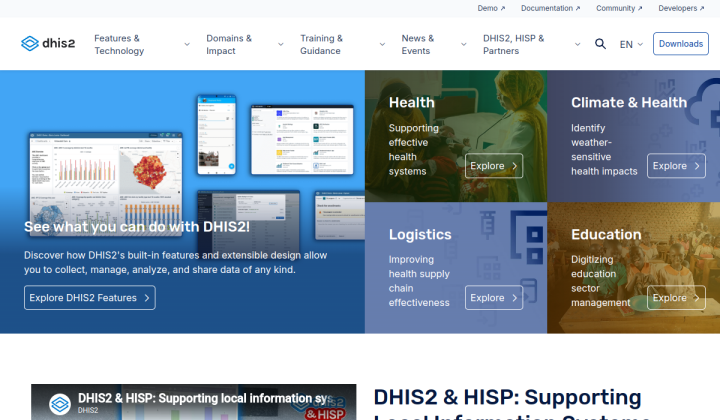 DHIS2 An open-source health-information platform with dashboards, maps and charts for comparing program indicators across locations and reporting periods.
 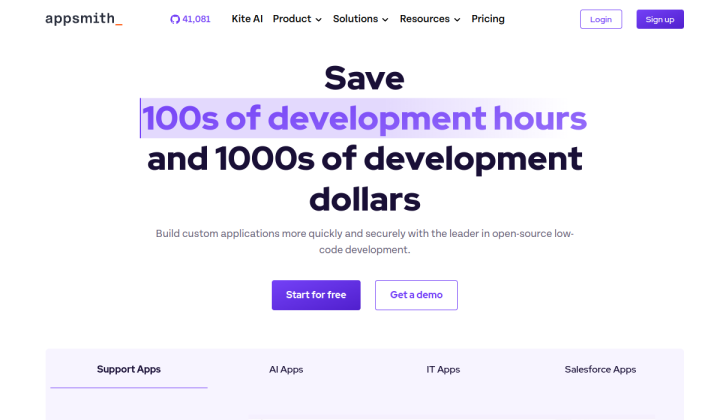 Appsmith An open-source platform for building internal applications with connected tables, forms and workflow actions.
 Reporting and system monitoring
These options help a team read data it already has. Superset serves analysts working with prepared datasets, Metabase lets managers explore recurring questions, and Grafana watches signals from the systems carrying the data. I would choose among them by asking who needs the screen and what they need to notice.
Apache Superset is my choice when a healthcare organization has a sound data model and people comfortable with SQL. They can build interactive reports across sites, services and time periods. A measure such as laboratory turnaround time still needs an agreed start and end event; the chart becomes useful once the team has defined what it measures.
I would use Metabase for recurring operational questions that managers should be able to explore themselves. Its dashboard filters and drill-through can take a reader from a summary toward the records behind it. That path is useful when an unusual count needs investigation, with access to those records governed by the team’s permissions.
Grafana OSS belongs beside a medical product when engineers need to watch feed delays, interface latency or service errors. Its dashboards and alerts help them notice when data stops arriving as expected. I would choose it for the system’s operational health, since the reliability of a clinical screen depends on the services supplying its data.
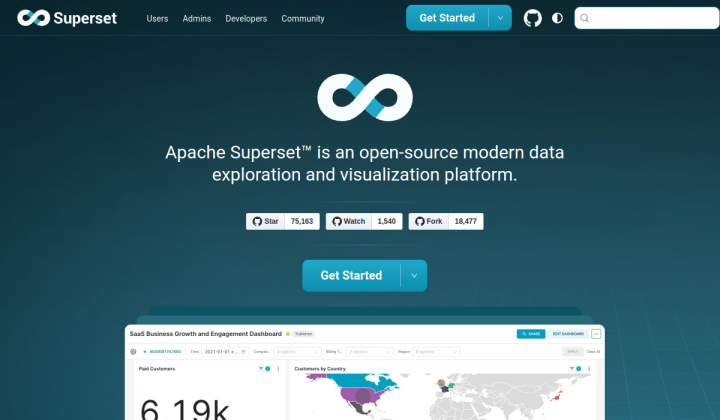 Apache Superset An open-source analytics application for building interactive charts and dashboards from connected databases and prepared datasets.
 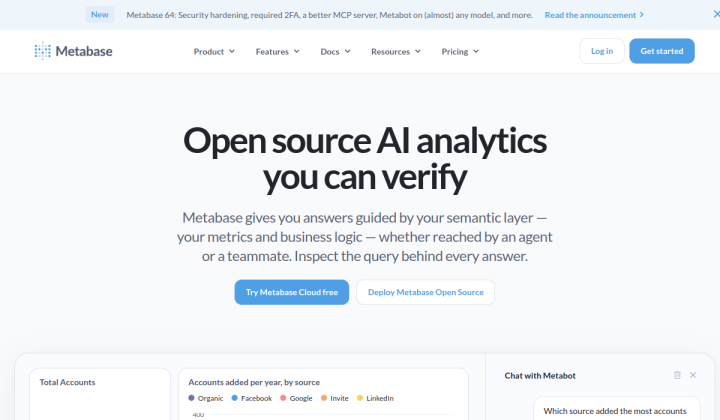 Metabase An open-source business-intelligence tool with a visual query builder, dashboard filters and ways to explore the records behind a chart.
 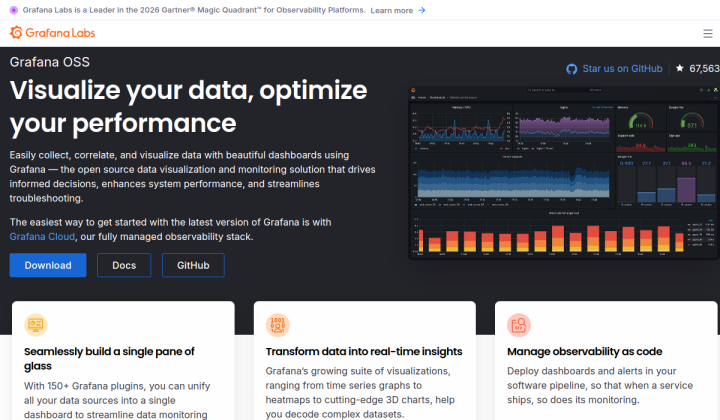 Grafana OSS An open-source dashboard and alerting platform for monitoring changing data, connected services and system performance.
 Components for a custom medical product
These three libraries help build a new interface. I would start with shadcn/ui when the team wants control over the whole screen, Mantine when forms carry most of the work, and Material UI when staff spend their day in dense record lists. They supply reusable interactions that the product team can adapt to its own medical workflow.
The shadcn/ui dashboard blocks are the first place I would look for a product with its own visual identity. The team can edit the React components and reuse the same navigation, table and status treatment across a queue and a detail view. That consistency is valuable when a status must mean the same thing wherever it appears.
Mantine’s form tools make sense for intake, search and review screens with repeated inputs and validation. I would choose it when entering and checking structured information takes more time than reading charts. A collection date and a receipt date can share a consistent control while keeping their distinct labels and rules.
Material UI’s Data Grid is worth examining when the table is the main working surface. The free Community version includes sorting, filtering and pagination for long lists such as results awaiting review or audit records. I would decide which columns and row actions matter first, then check the feature tiers if the interface needs more advanced grid behavior.
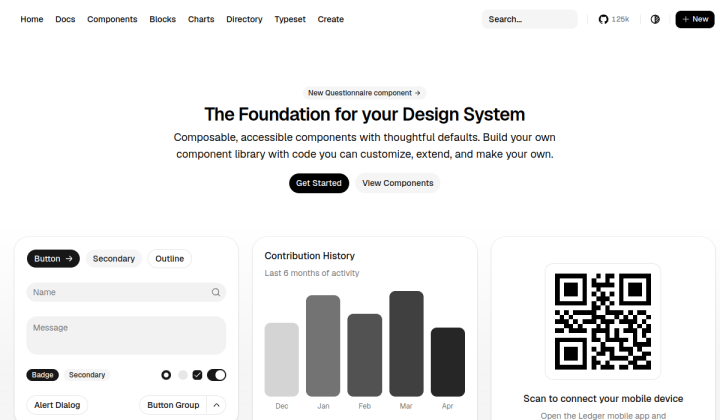 shadcn/ui An open-source collection of editable React components and dashboard blocks for building a custom product interface.
 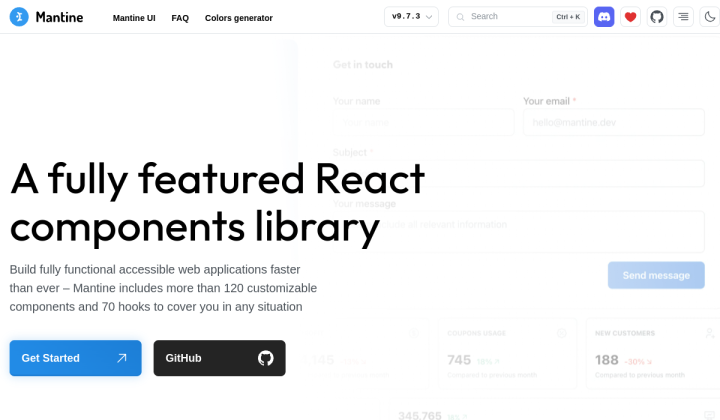 Mantine An open-source React component library with form, validation and date controls for building consistent data-entry screens.
 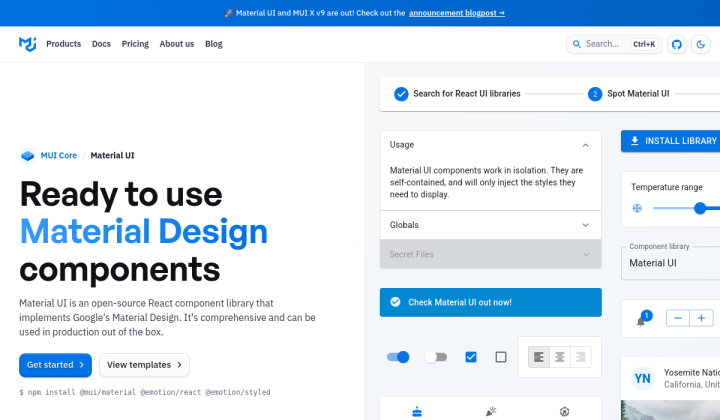 Material UI An open-source React component library with a data grid for sortable, filterable lists and record-focused interfaces.
 Build the dashboard around your work
Obuseff can help turn that starting point into a product design: identify the work the dashboard must support, choose the right foundation and build the interface around the decisions its users make.
Discuss a project